My chronicles when Lenovo LOQ laptop G & H keys stopped working.
My lenovo laptop G and H key stopped working intermittenly . I am on Fedora with kernel 7.3 with NVIDIA driver recently installed.
I thought it might have been dust under the keys so I took the keys (g and h) out using a finger and broke the hinge underneath for the key g. Then I realized that ordering a hinge alone is not possible but likely need to order a set of few keys+hinge set for approx $10 but time is of the essence and it was a Friday.
So I uproot key number 9 and in my enthusiasm of having discovered this amazing replacement while commending my hacker mentality also broke the inner hinge of key number 9. Now, I have well seated working keys h but not g and also broken key number 9.
So now - mired in my amazing egnisu I am wondering - what are all the keys I use the least. Turns out most of my passwords also don't have 8 plus I have the num lock always. So I carefully uproot key number 8 and now G and H are back in play with 8 and 9 broken.
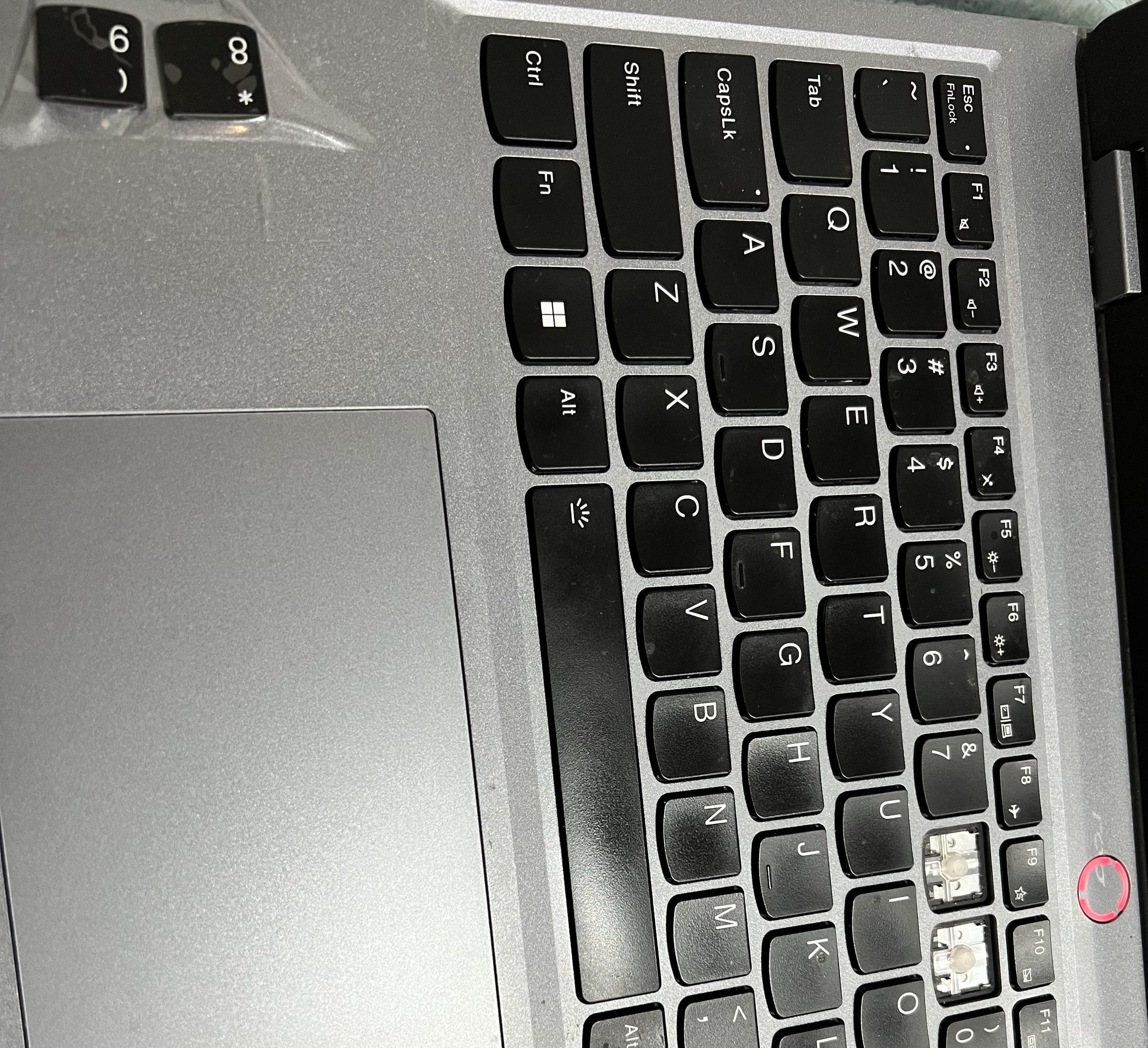
I thought could be the new kernel so I switch back to 6.3 and Nvidia driver disabled to see if it helps.
Problem persists.
This laptop also has three power setting and I realized that it may also be the problem so I turn power to the maximum by setting power mode to performance. The h key and the g key still are intermittenly failing
Could it be the FnLock ? - Nopes tried that too and it is also not the issue. Did I try the troubleshooting guide from Lenovo ? Yes - I did - Lenovo my trust is broken just like the hinge.
The keys are still failing. One caveat - the capital version of H and G works fine on most instances. Some users are reporting it could be failing keyboard. I refuse to give up.
So if you see my emails witH random capitalizations , please know that the only other way I can write emails is TO CAPITALIZE EVERYTHING.